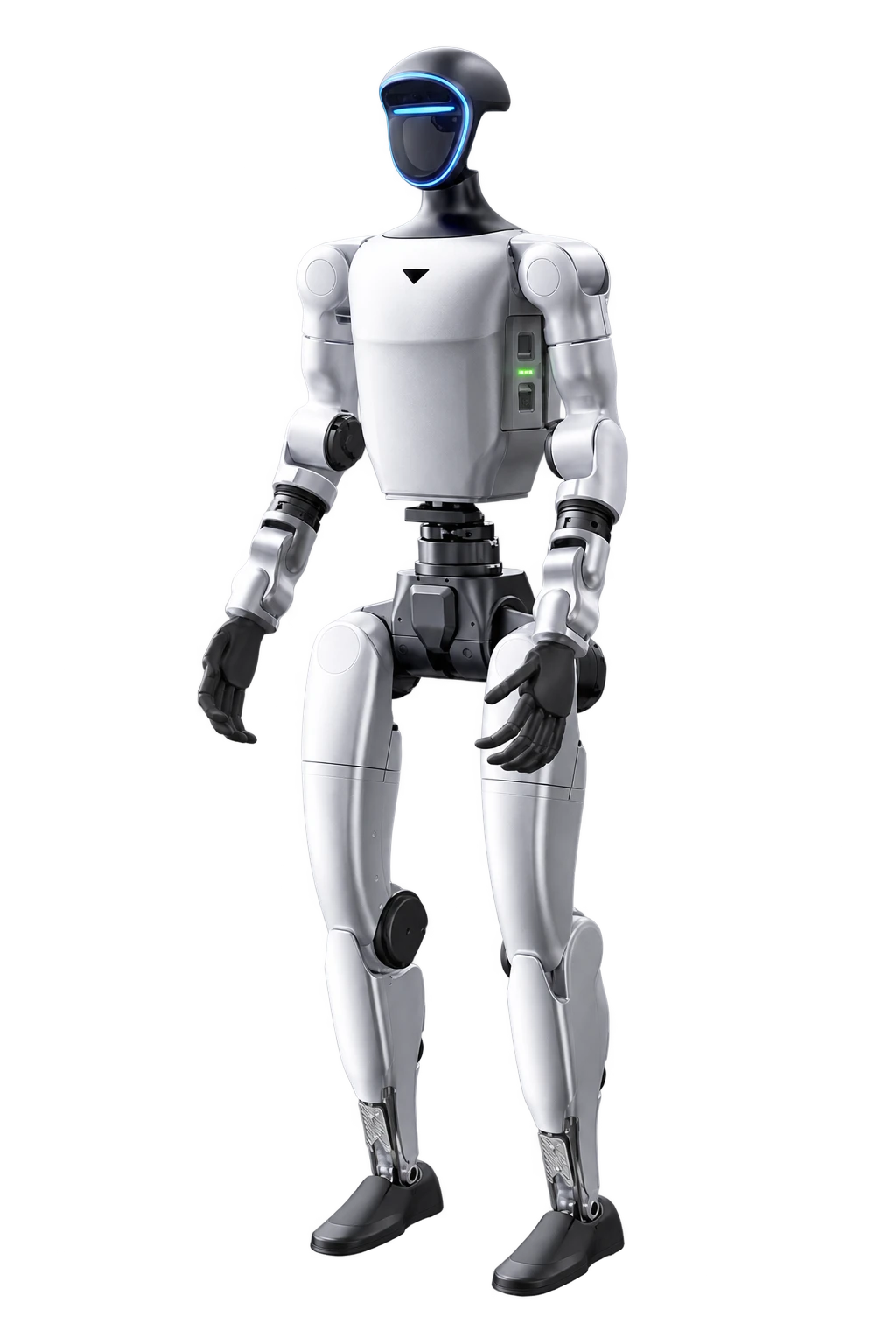
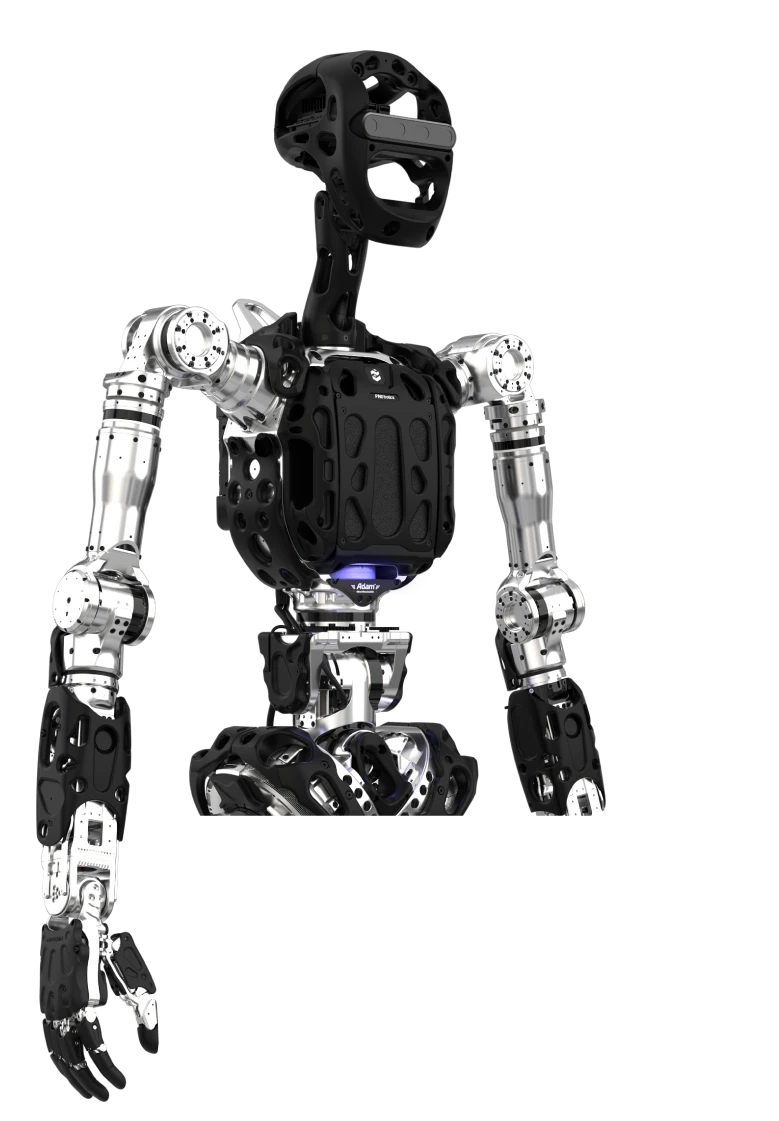
Start with the unit and configuration
Include model, serial number, component revision and firmware. Add label photos, installation position and symptoms. Left and right actuators may look similar but differ in range or wiring. One commercial name may cover several electronics generations. Do not select parts by photos or catalogue DoF count alone.
Check replacement dependencies
Mechanical replacement may require configuration, identifiers, position calibration or compatible software updates. Confirm acceptance procedures and whether local staff can perform them. After hand changes validate manipulation; after camera changes validate perception calibration. Record results and the new revision against the unit.
Stock follows downtime exposure
Rank parts by failure impact and actual lead time. For one demonstration robot, batteries and vulnerable items may matter more than every actuator. Labs and pilot lines have different priorities. Confirm storage, inspection and return conditions. We do not publish invented stock; availability and lead time need item-specific confirmation.
Prepare fleet records
Track configuration, software changes, replacement modules and calibrations per unit. Keep revision-appropriate manufacturer instructions. Assign approval for component changes and a return-to-use test. Records support supplier discussions and maintenance cost comparisons. Preparing a service brief does not reserve parts or a repair slot.